Countdown widget for iPhone & Apple Watch
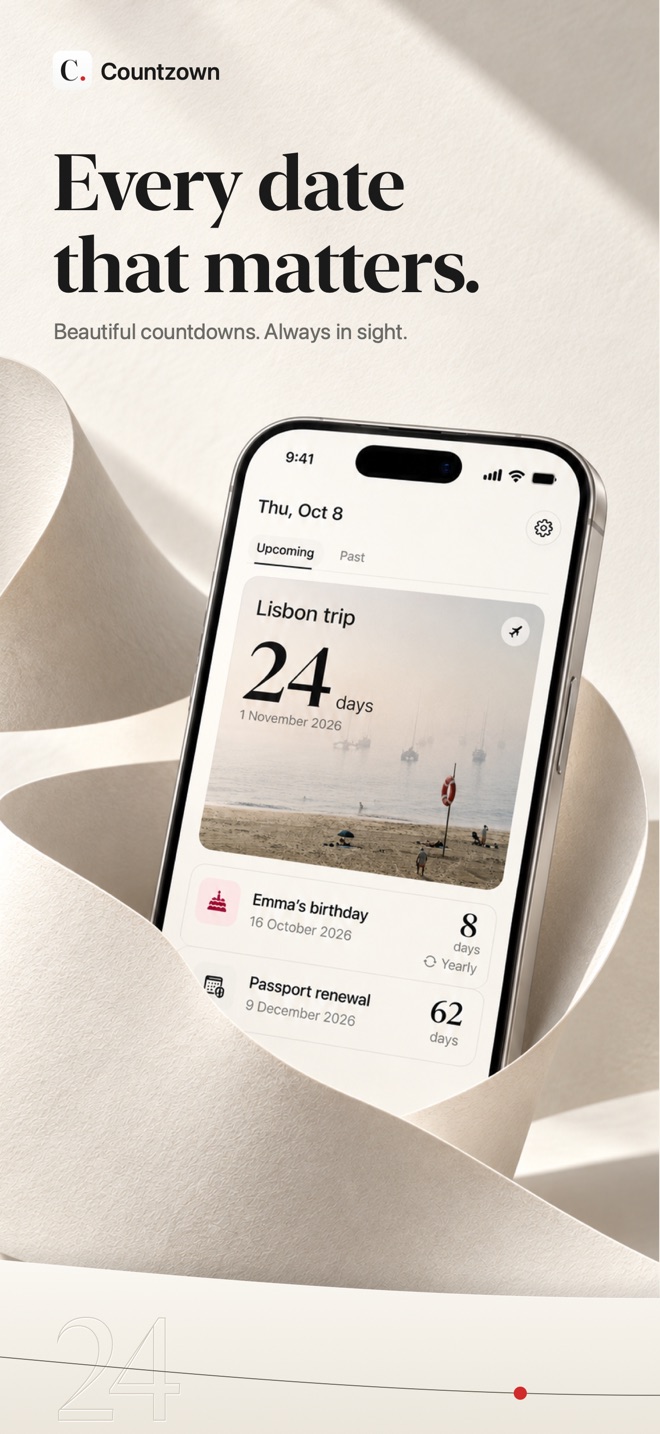
Every date that matters.
Birthdays, vacations, anniversaries and renewals—kept in sight on your Home Screen, Lock Screen and wrist.
Three active reminders free forever · Every widget included · No account · No ads
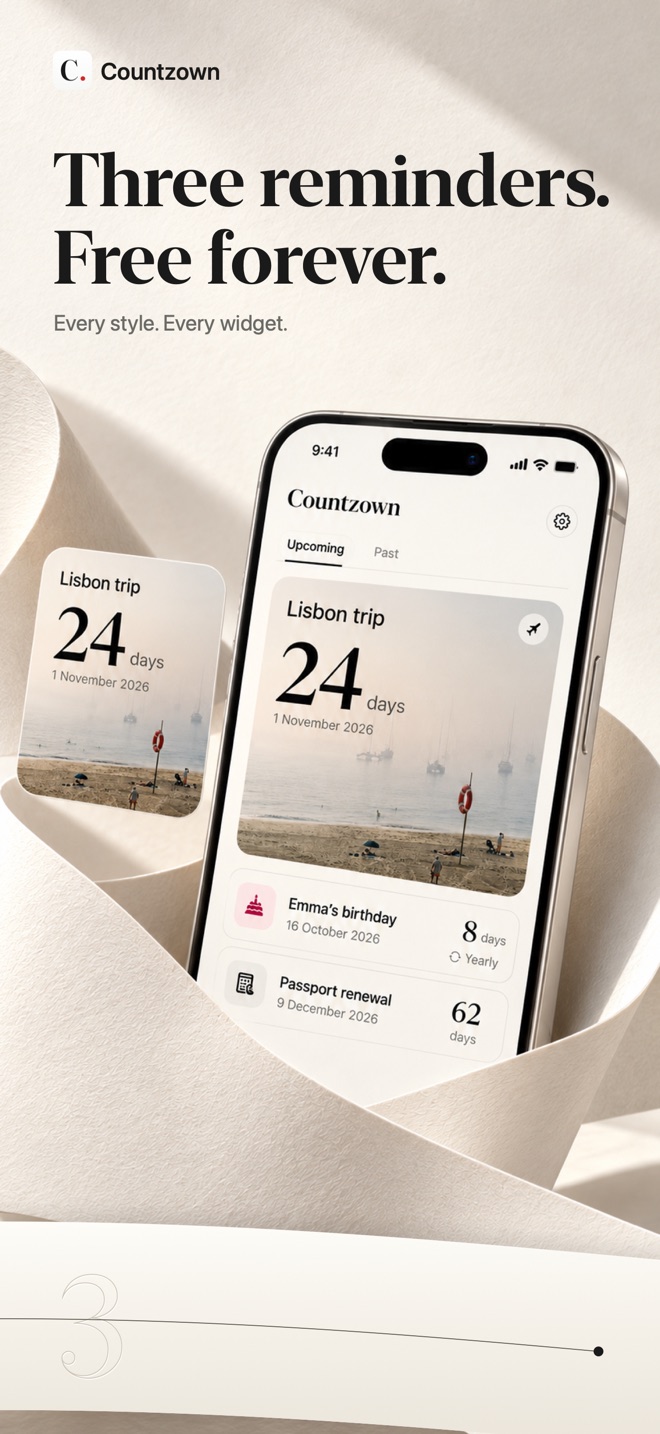
Three, free foreverKeep your first three dates without a subscription
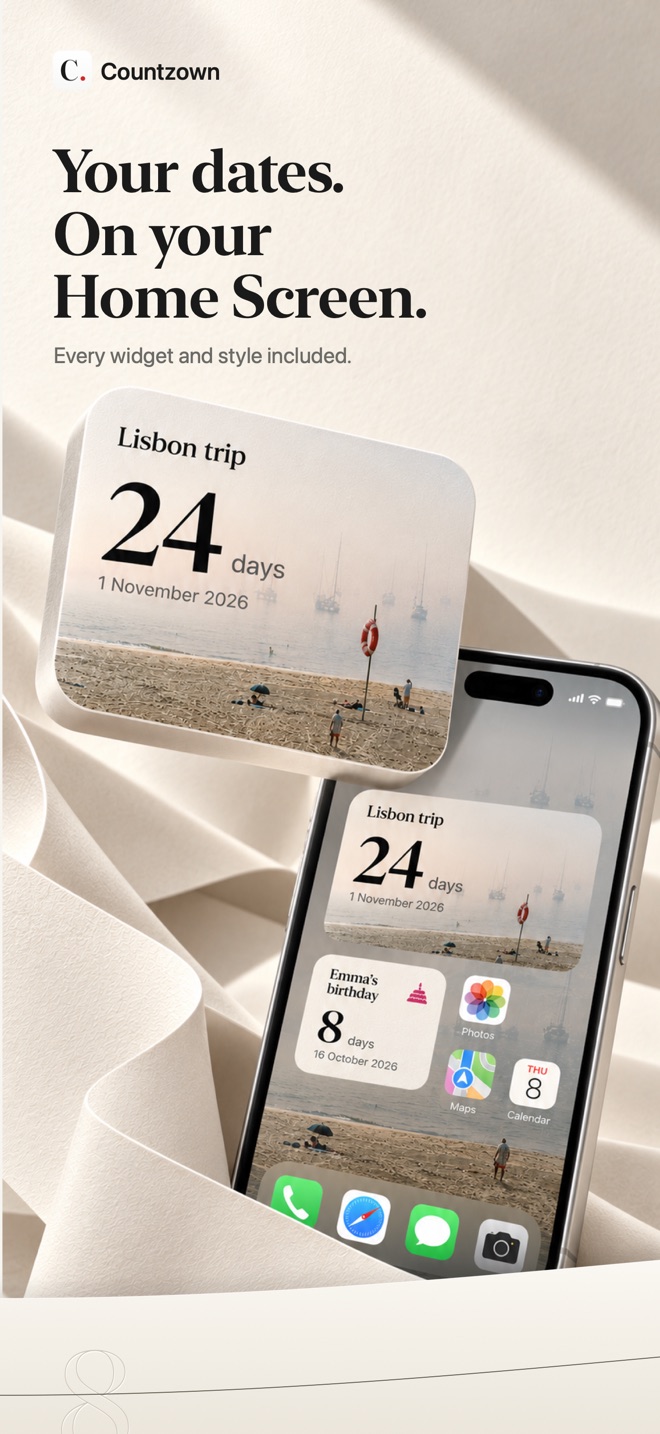
Every widget includedHome Screen, Lock Screen and Apple Watch
Private by defaultNo account, no ads, no tracking
Made for a glance
Less opening apps. More looking forward.
Countzown turns important dates into calm, live countdowns that meet you where you already look.
01 / EVERYDAYHome Screen
Keep the next birthday, trip or deadline beside your apps with compact and featured widget designs.
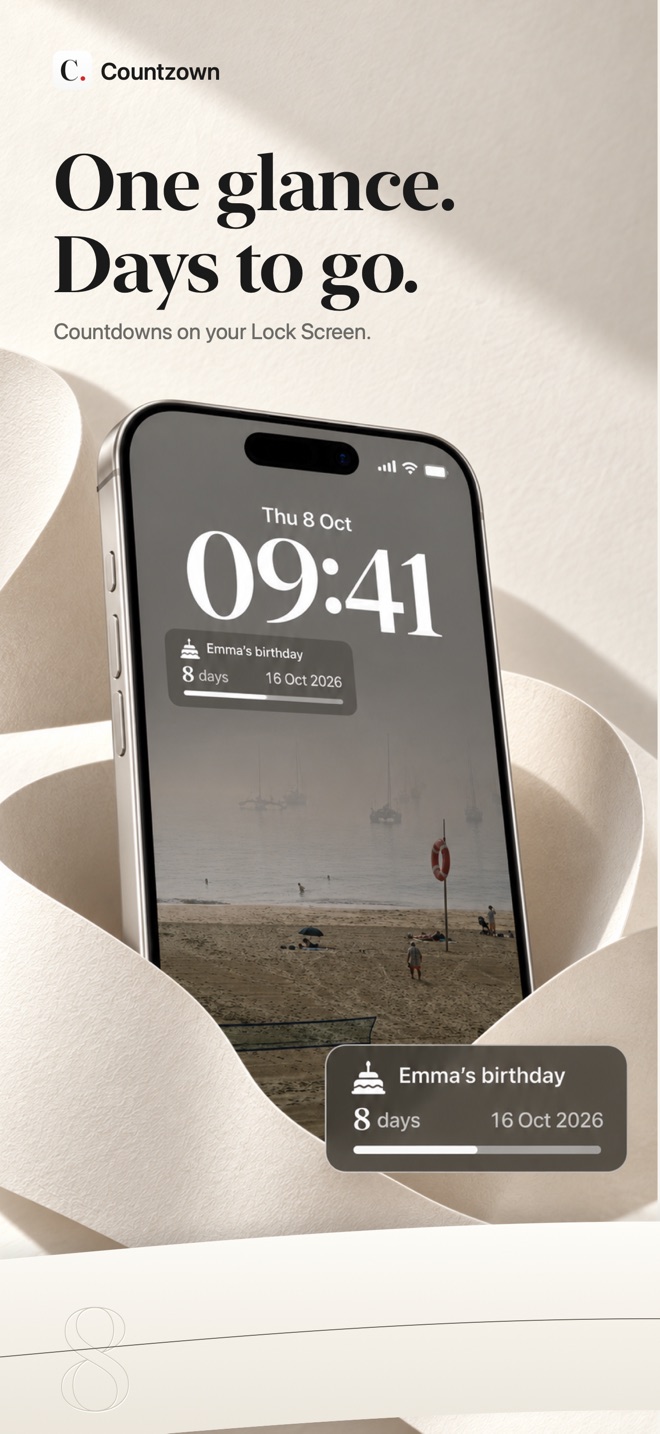
Lock Screen
See the days remaining in circular, rectangular, inline and plain-count styles.
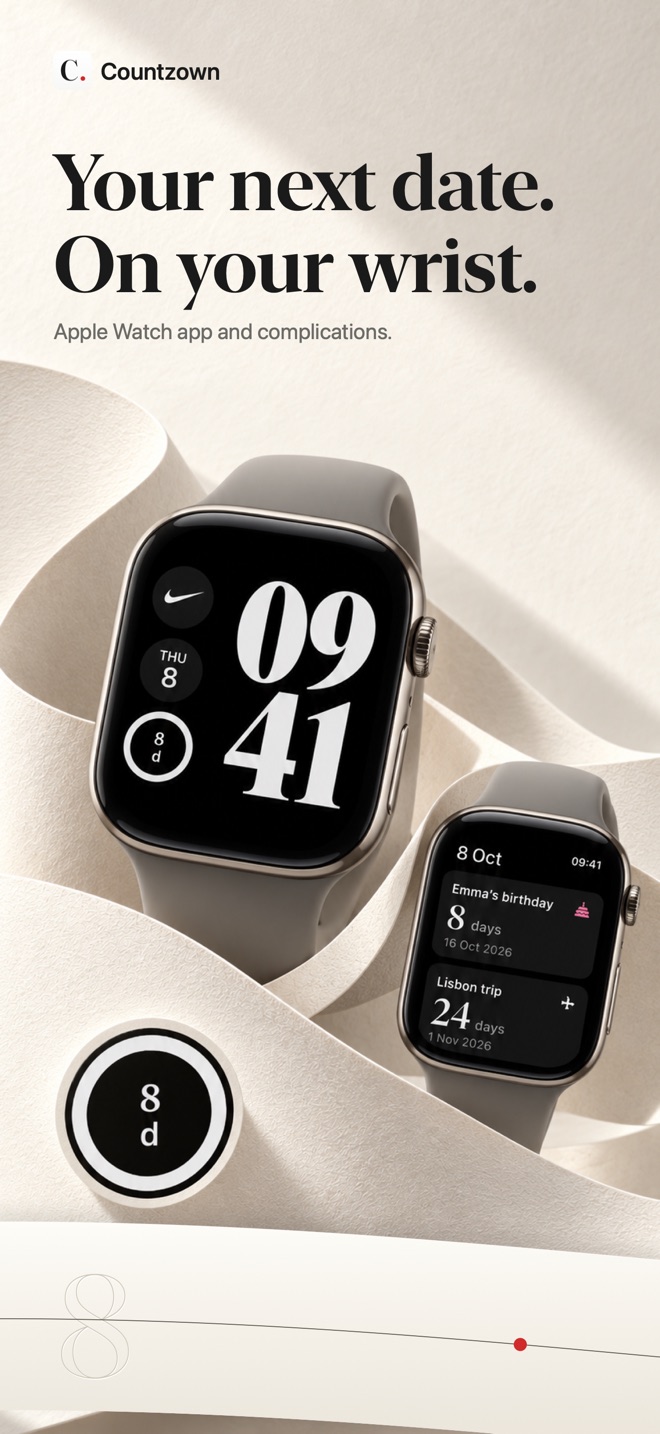
Apple Watch
Follow dates in the Watch app and on the watch face with glanceable complication designs.
Useful reminders
Get a local alert on the day or ahead of time. Repeating dates roll forward automatically.
The current app, in full
Paper and ink. Nothing cluttered.
These are the current English screenshots from Countzown’s App Store gallery.
Swipe or scroll to explore all eight screenshots.
A real free tier. An optional upgrade.
Start with three. Make every one yours.
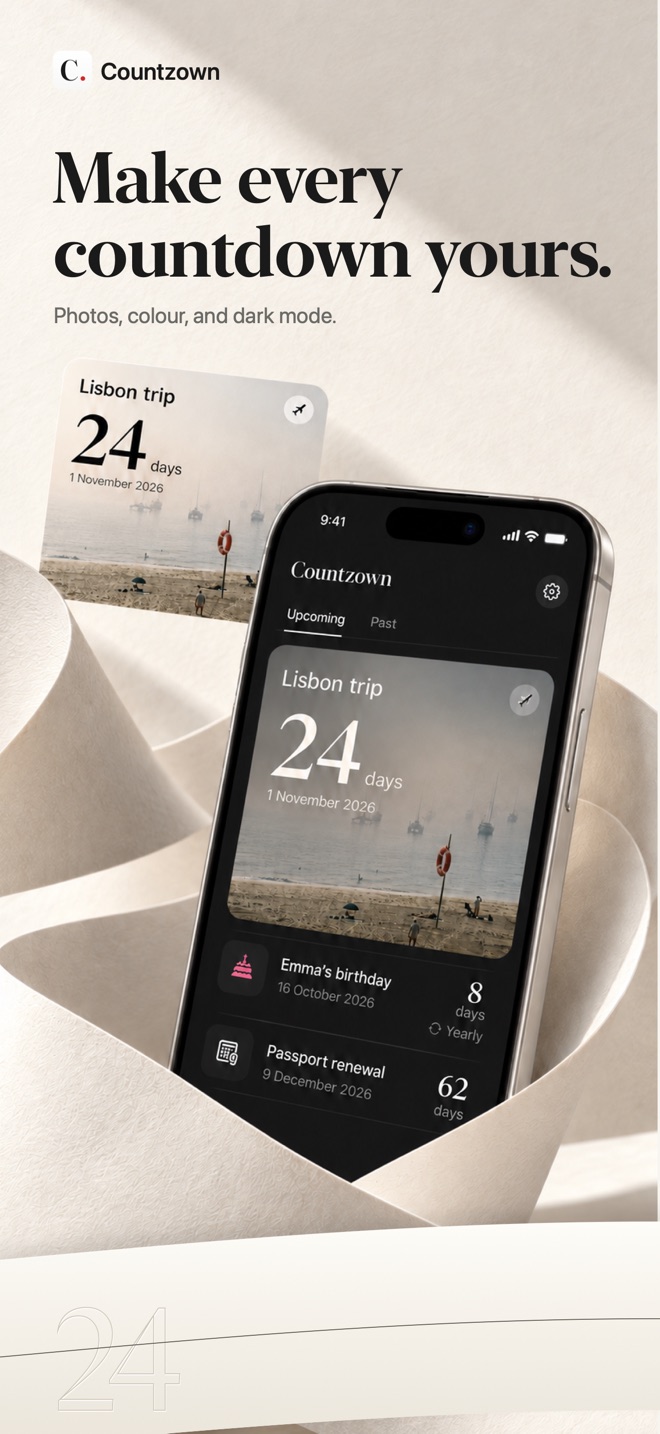
Widgets, photo covers and accent colors are part of the experience—not extras held behind an upgrade.
Countzown FreeThree meaningful dates.
All the essentials, free forever.
- Three active reminders
- Every Home Screen and Lock Screen widget
- All Apple Watch complications
- All photo covers and accent colors
- One notification per reminder, any day at 9:00 AM
- Weekly, monthly and yearly repeats
Countzown ProA date for everything.
More room and more control for a full calendar.
- Everything in the free tier
- Unlimited reminders
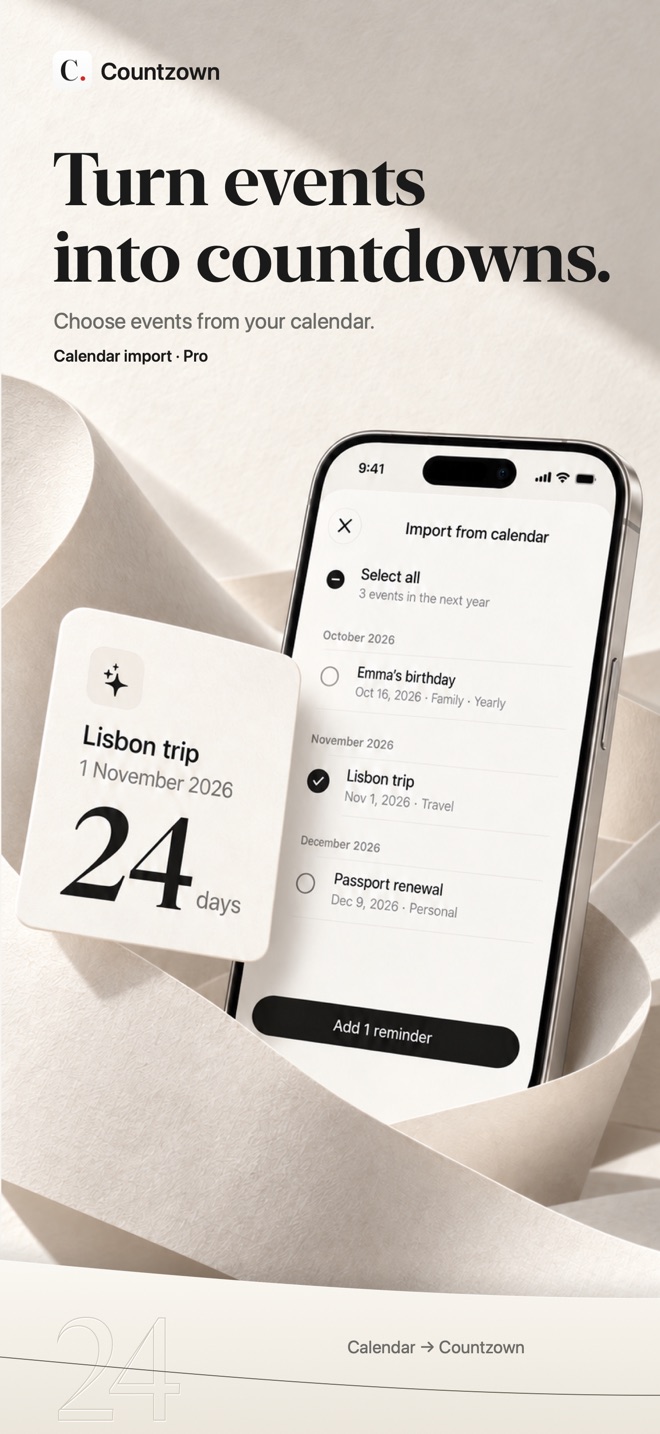
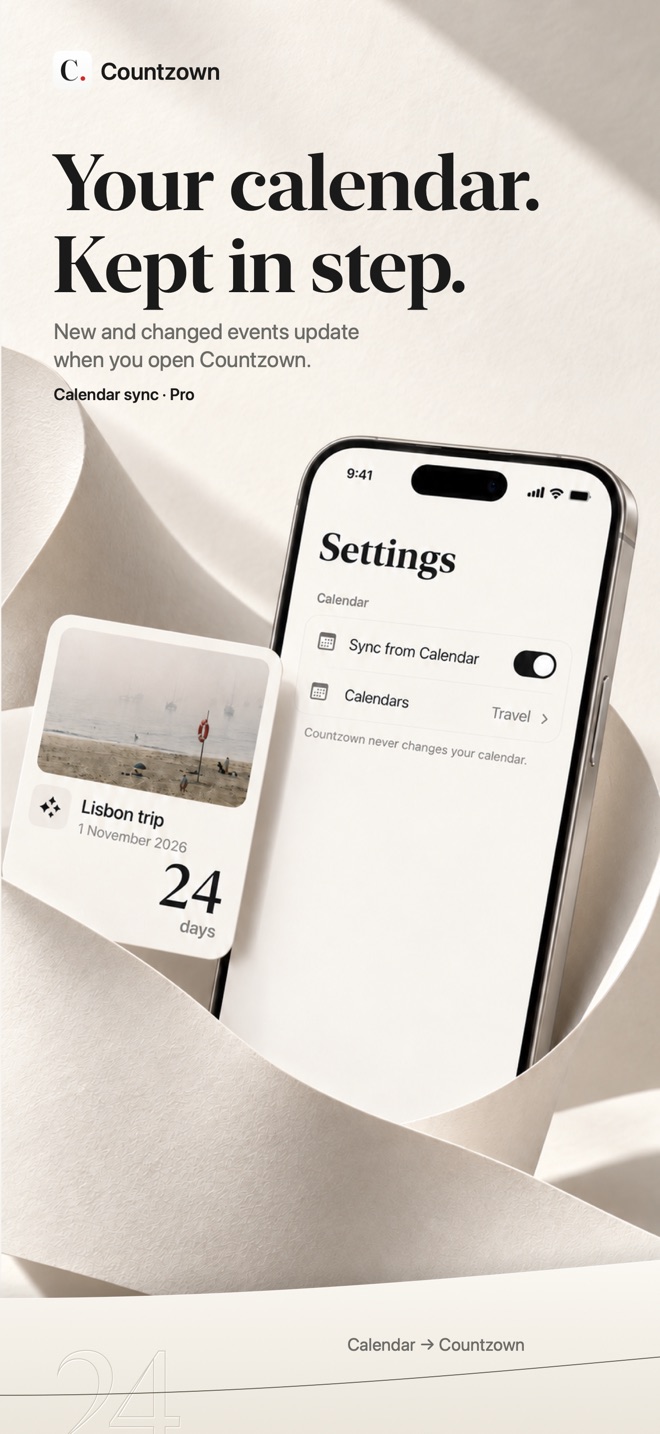
- Read-only Apple Calendar import and sync
- Up to ten notifications per reminder
- Your own notification days and times
- Yearly subscription or one-time lifetime purchase
Current, localized prices and purchase terms are shown in the app before you buy.
Private by default
Your dates. Your device.
Your reminders and photos stay on your devices. Calendar access is read-only and processed on your iPhone. Purchase services receive limited data only to manage Pro access.
01No account
No login, profile or social feed.
02No ads or tracking
No advertising SDKs or data brokers.
03Calendar stays read-only
Countzown never edits your Apple Calendar.
The small print, simply put
A few good questions.
What can I do for free?
Keep up to three active reminders with every widget, photo cover, accent color and Apple Watch complication. Each reminder includes one notification on any day you choose at 9:00 AM.
Does it work without opening the app?
Yes. Widgets and Apple Watch complications keep your countdowns in view and update with WidgetKit. Open the app periodically so iOS can refresh changes, calendar sync and notifications.
Can dates repeat?
Yes. A countdown can repeat weekly, monthly or yearly. Birthdays default to yearly and recurring dates roll forward after their day has passed.
How does Apple Calendar work with Countzown?
Countzown Pro can import events and keep selected calendars in sync when the app opens. Access is one-way and read-only: Countzown never changes or deletes Calendar events.
What does Pro add?
Unlimited reminders, Calendar import and sync, and up to ten notifications per reminder—each on your own day and time. Pro is available as a yearly subscription or a lifetime purchase.
Do I need an account? Will I see ads?
No. Countzown requires no account and includes no advertising or tracking frameworks.
Which devices are supported?
Countzown is made for iPhone and Apple Watch. The current App Store listing shows the exact iOS and watchOS compatibility requirements.
Good days start with something to look forward to
Your next good thing. One glance away.
Start with three free countdowns. Make them yours.
Download Countzown